Your library,
served from home.
A Mac app that serves your music to Sterio on every device in the house.
macOS · no account
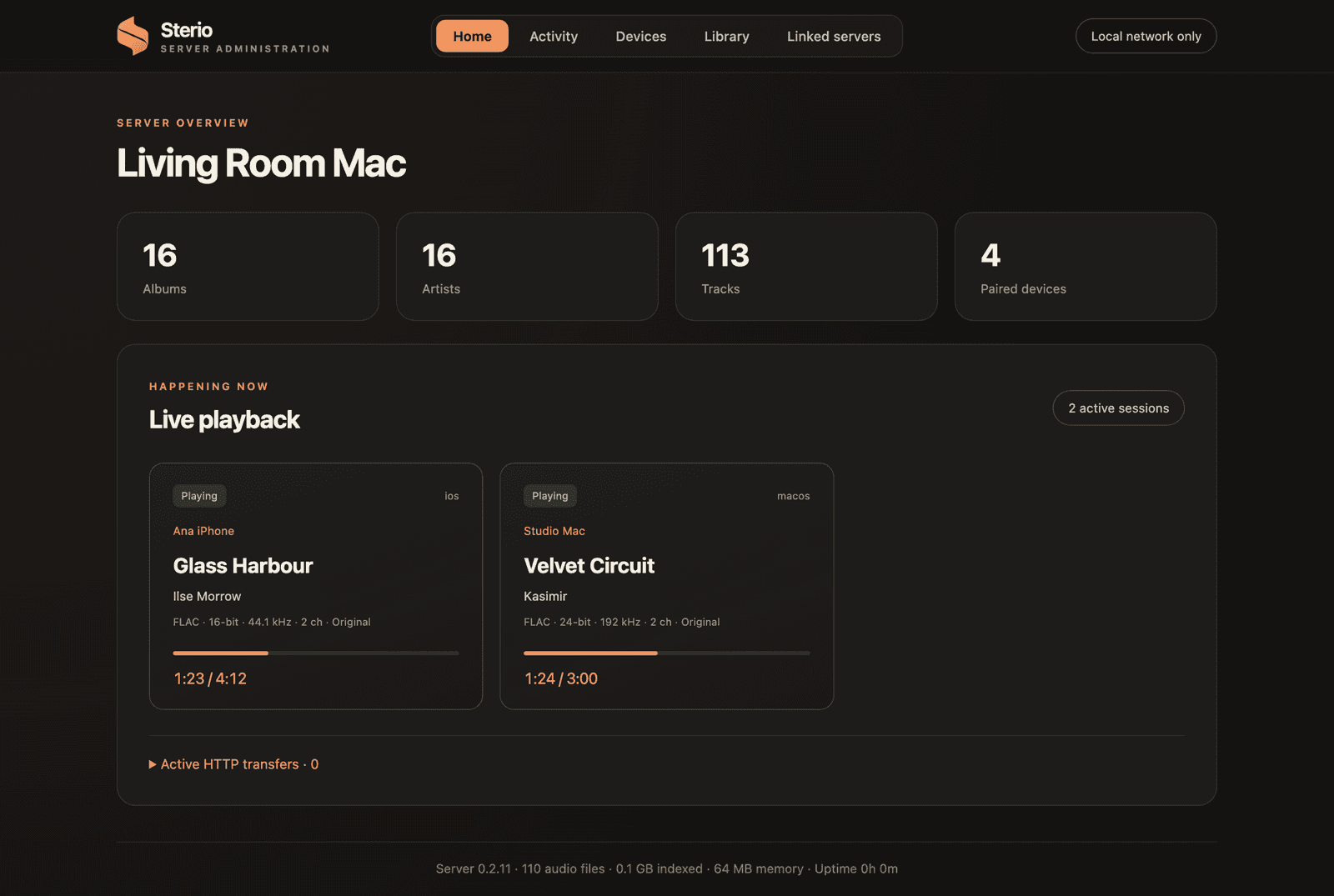
One server for the whole house.
Original files
Every device gets the file as it is on disk.
Conversion only when needed
A FLAC for the device that can't play the original.
CUE albums into tracks
Optional. The image and its CUE stay untouched.
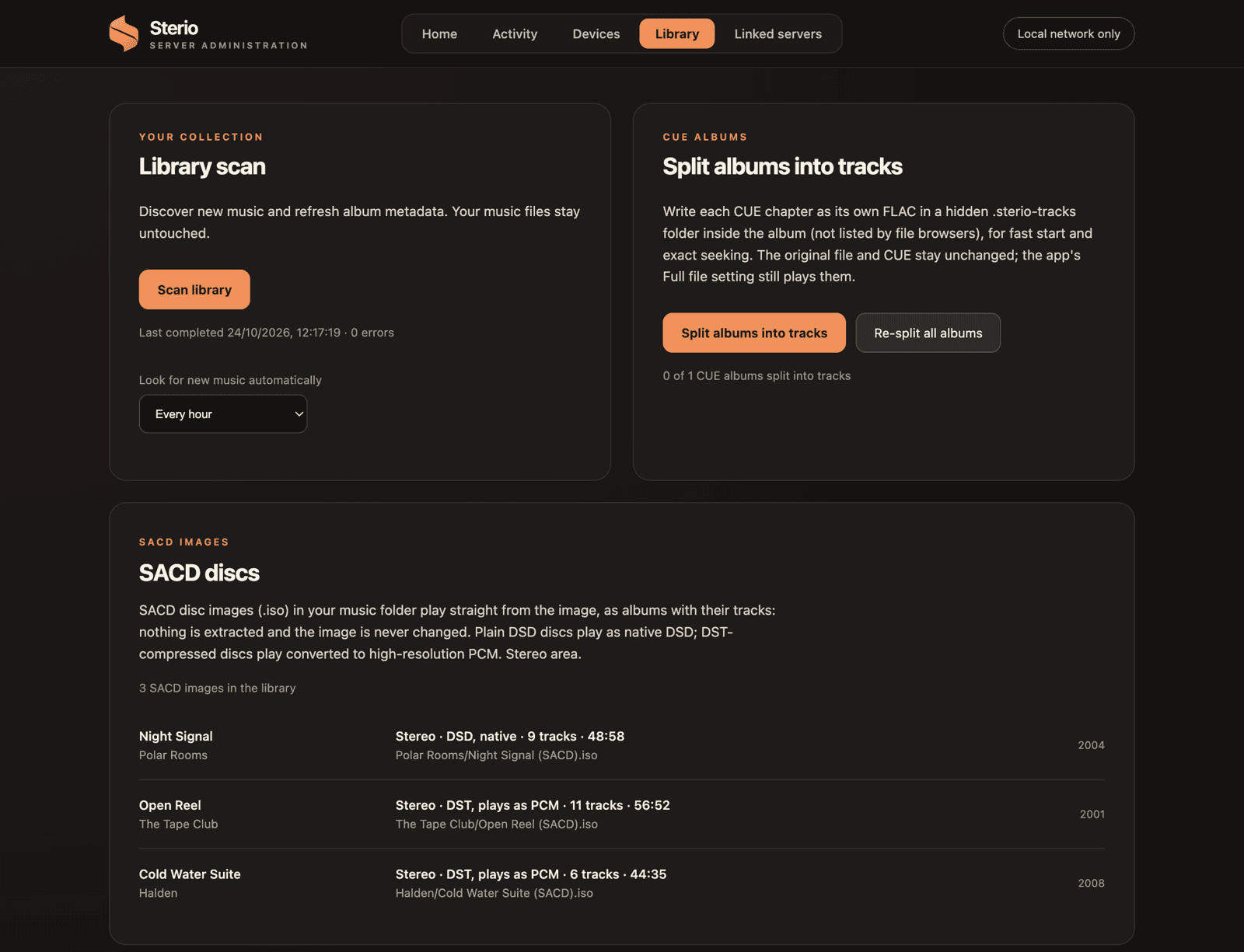
SACD disc images
Played straight from the ISO. Plain DSD as native DSD, DST as PCM. Stereo.
Playlists and profiles
Shared playlists, and each listener keeps their own history.
Streamers
BluOS, UPnP/DLNA and Google Cast.
Three ways to look after it.
The dashboard
Opens in your browser on the Mac.
 Fri 21:40
Sterio Server is running
16 albums · 113 tracks · 4 devices
Phones connect to living-room.local
Open Dashboard⌘O
Music: Music
Choose Music Folder…
Show Music in Finder
✓Open at Login
Show Server Log⌘L
Quit Sterio Server⌘Q
In the menu bar
Sterio Server keeps running while the Mac is on.
Settings
Server administration
Living Room Mac
Library scan
Discover new music and refresh album metadata. Music files stay untouched.
Scan library
Look for new music: every hour
SACD discs
SACD images (.iso) in the music folder play straight from the image: nothing is extracted.
Night Signal · Polar Rooms
Stereo · DSD · 9 tracks · 48:58
Open Reel · The Tape Club
Stereo · DST, plays as PCM · 11 tracks · 56:52
Cold Water Suite · Halden
Stereo · DST, plays as PCM · 6 tracks · 44:35
In the Sterio app
Settings › Server administration, on any admin device.
Running in a few minutes.
- 1Install Sterio Server for Mac
- 2Choose your music folder
- 3Pick your Mac in Sterio and accept